Find companies that fit.
Define your offer and the customers you want to reach.
Find potential customers, prepare personalized outreach, and manage follow-ups and replies in one workspace.
We’ll reply by email and help you get started personally.

Define your offer and the customers you want to reach.
Review relevant contacts and emails drafted around your offer.
Manage follow-ups and replies alongside your campaigns.
Choose your target customers and offer, then review contacts, prepare messages and follow the replies. Open each step below.
Open a company to review its contacts and their roles. Choose the people whose responsibilities match your offer.
Choose who to contact before preparing messages.
Open full-size screenshot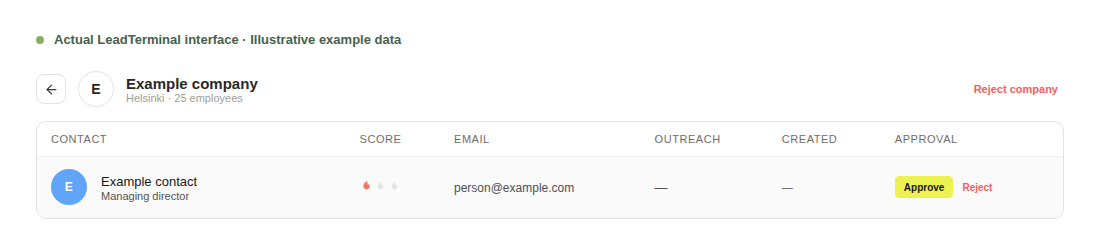
LeadTerminal prepares a draft from your offer and the company context. Check the wording, make your changes and approve the message.
Review messages yourself or enable campaign Autopilot.
Open full-size screenshot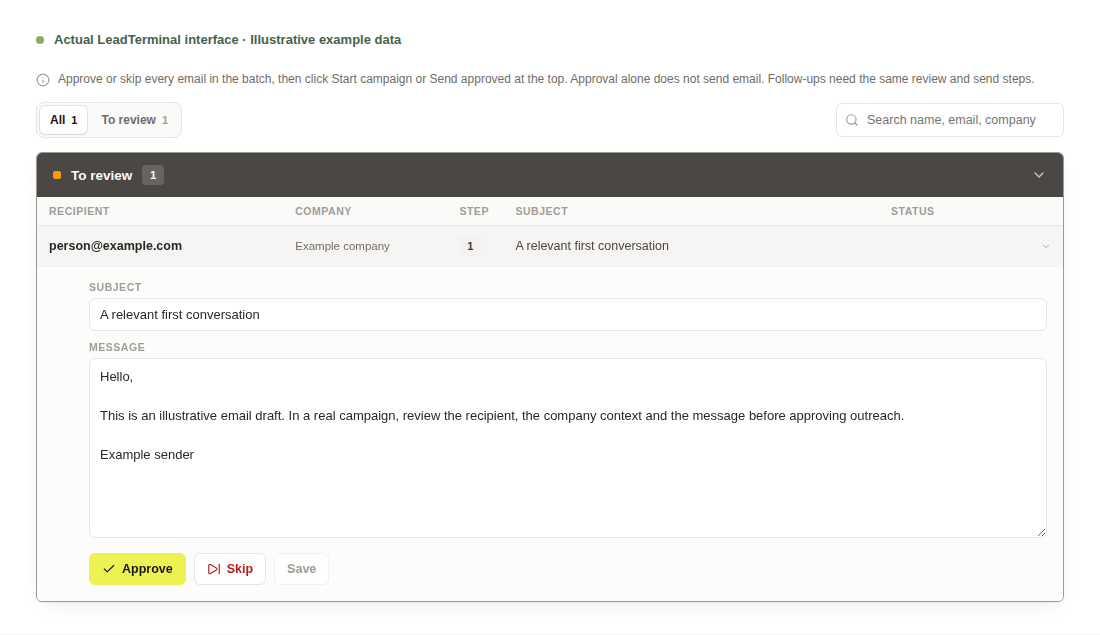
A human reply stops further campaign follow-ups to that recipient. Continue the conversation in the inbox. Automatic responses are handled separately.
Keep replies with the earlier conversation.
Open full-size screenshot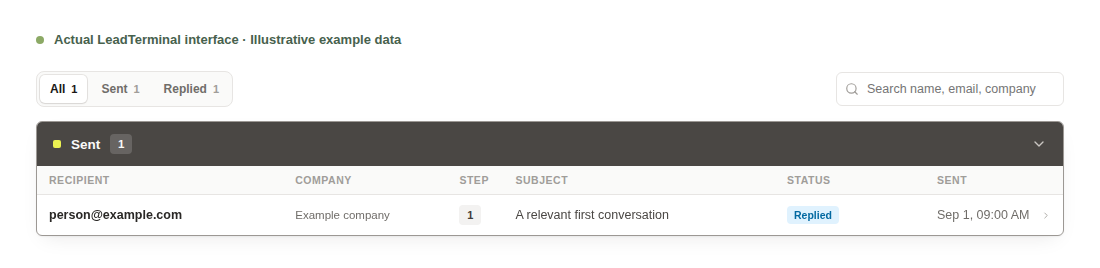

Check the recipient, subject and message. Manual approval is the default.
Enable Autopilot per campaign to approve complete messages and queue them during your sending windows.
A human reply stops that campaign’s follow-ups to the recipient. Continue the conversation in the inbox.
Compare the workflow, access and published pricing before deciding.
From finding relevant prospects to continuing the conversation.
Prospecting guideLeadTerminal is B2B prospecting and email outreach software. Describe your ideal customer and offer, find relevant companies and people, prepare personalized messages, and keep follow-ups and replies in the same workspace.
Start with the market, industry and company size that fit your offer. Build a focused shortlist, then select relevant decision-maker roles. Review the company and contact context before preparing an introduction.
Request access with your name and work email. We’ll reply about your needs, discuss pricing and help you set up your first campaign.
LeadTerminal finds prospects against your criteria and prepares personalized first emails and follow-ups from your offer. You choose the recipients and approve messages manually by default. If you enable Autopilot for a campaign, it can approve complete messages and queue them for your sending windows. Replies appear with the earlier conversation in the inbox.
A human reply stops that campaign’s follow-ups for the recipient, so your team can continue the conversation. Automatic responses, such as out-of-office messages, do not count as human replies.
Use the contact form to ask about pricing for your team. Tell us which customers you want to reach and how you work today, so we can discuss a suitable next step.